












Many eCommerce owners understand the importance of making sales, but do you know how to record eCommerce sales for your accounting system? Ecommerce business owners have some degree of flexibility that physical storefronts cannot afford. Apart from avoiding rent, an eCommerce model makes it easy to fulfill orders from the comfort of your home or warehouse.
However, it can be challenging to set up an eCommerce bookkeeping system. No matter if you sell products online through Amazon, Shopify, BigCommerce, Walmart, or Etsy, you’ll need an eCommerce accounting system to manage finances. Recording sales is a big part of that.
What should you know about recording sales for eCommerce? Here is a complete guide for eCommerce businesses.
What is accounting for eCommerce?
Ecommerce accounting is the process of collecting and reporting financial data like business assets and transactions for online stores. Accounting provides the big picture of your financial health. Ecommerce bookkeeping is the daily management of your financial transactions including sales, expenses, and much more.
The first step in accounting for eCommerce is to organize your accounts. Ecommerce entrepreneurs and bookkeepers collect sales tax and financial statements. Accountants can use that data to help businesses make future business decisions. Accounting for eCommerce includes the following categories:
- Bookkeeping (recording of business transactions)
- Financial reporting
- Submitting tax returns
How do you record sales in accounting?
It’s important to distinguish what it means to record sales vs sales tax. You record sales when a customer makes a purchase. Recording sales tax refers to the tax that customers pay upon purchasing goods and services. Businesses remit sales tax to the local or state government within the specified period.
Sales invoices are documents that provide records that show every sale made. They are usually pre-numbered to help bookkeepers and accountants know each invoice’s contents.
Even though recording sales and sales tax are two different things, they go hand in hand. For business owners to account for sales tax, they must first determine the cost of goods sold.
How do you manage eCommerce finances?
Many businesses have achieved success by simply adjusting how they manage their finances. Ecommerce can be unpredictable and highly competitive so having money to scale up your company and cater to necessary costs is crucial. Here is how to manage your eCommerce finances.
If you are just starting your eCommerce business, then there are key items you’ll need to set up first, including:
- A business tax ID number
- A business bank account and credit card
- A payment processing system
- Accounting software
Registering your company
As an eCommerce business owner, you are responsible for all areas of your business, including losses and debts. So, if you sell a defective product, you are personally liable.
Registering your company means that you will be operating your business as a separate entity from your personal assets. It also shows that you’re running a legitimate business and increases your brand awareness. Your business will have a company name rather than your own.
Setting up business accounts
To register your company with the state, you need to open a business bank account. A business bank account is a valuable asset for a small business because it helps to separate business activities from personal activities. Also, it is more professional to provide your clients with a business name when making payments instead of your full name.
Choosing payment processors
In the online world, consumers want multiple payment options. There are various payment methods that online shoppers use, including:
- Credit cards
- Direct debit cards
- PayPal
- Stripe
- Digital currency
Ideally, you’ll want to integrate your payment processing system with your accounting software. This means you can save time manually entering sales and other financial data because the systems work together to pull most of the information you’ll need. It is still a good idea to keep track of your sales with a solid bookkeeping and accounting foundation.
Accounting Software
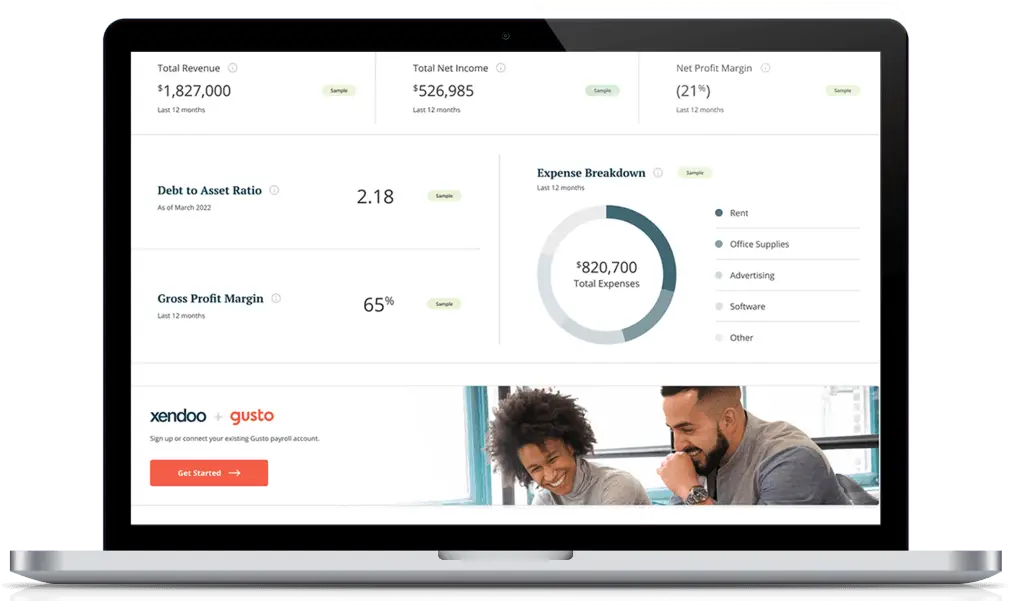
There are many choices for accounting software. For online businesses, it’s important to choose a solution that syncs with all your tools and platforms. xendoo plans come with integrations like Xero, Quickbooks, and Gusto. You can sync up your payroll data from Gusto or track expenses easily by using Quickbooks.
What are the best accounting practices for online businesses?
Clear bookkeeping
For small businesses, up-to-date bookkeeping can be challenging. But online bookkeeping systems provide appealing solutions for different types of businesses.
Embracing these technology solutions is the best way to save your financial resources. An accounting system will help save time since you will be able to keep track of your finances.
Separate business accounts for finances
When setting up a business account, it’s important to separate your business and personal finances. Any sales revenue or client payments should go to your business checking account and not your personal bank account.
When all your finances are in one account, it is easier to keep track of the clients who have made payments. It’s also a good way to protect your personal finances from liabilities for your company.
Hire a virtual eCommerce accountant
Hire a bookkeeper with experience in eCommerce platforms like Shopify and eCommerce accounting to manage your day-to-day finances. A reputable bookkeeper will ensure your business stays on track by providing visibility over your cash flow.
Bookkeepers prevent errors by taking all your receipts, invoices, bills, and numbers and recording them correctly in your accounting system.
Virtual bookkeeping and accounting services are becoming more popular among small business owners. You can work with a professional to reconcile your accounts, update your financial statement, and do all the accounting functions without meeting in person.
With a committed bookkeeping team on your side, you can grow your business as you keep an eye on the latest eCommerce industry trends.
To get started, schedule a consultation with an accountant or sign up for a free trial to test out xendoo today.